Plant Movement
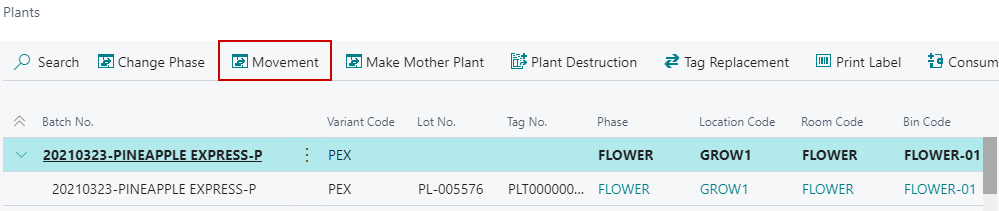
You can move Immature Plants and Plants by selecting the Movement  option on the menu.
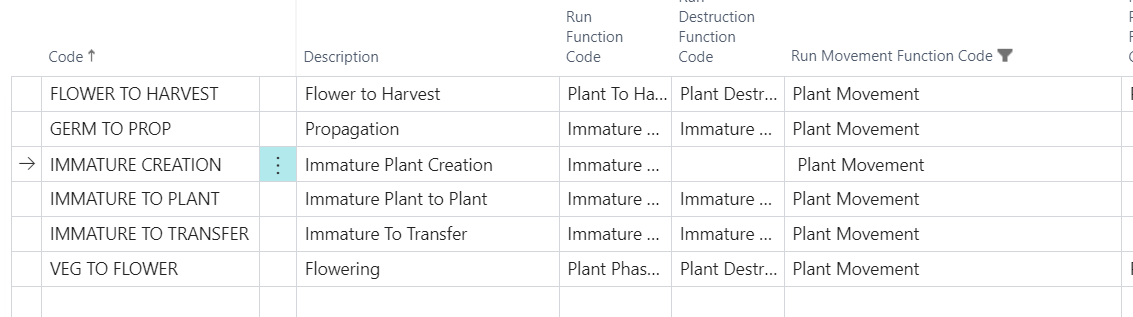
How the system determines which type of Plant Movement it needs to run is based on the Next Cultivation Phase specified in the Routing. The system will look at the Run Destruction Function Code in Cultivation Process Functions based on the Next Cultivation Phase:
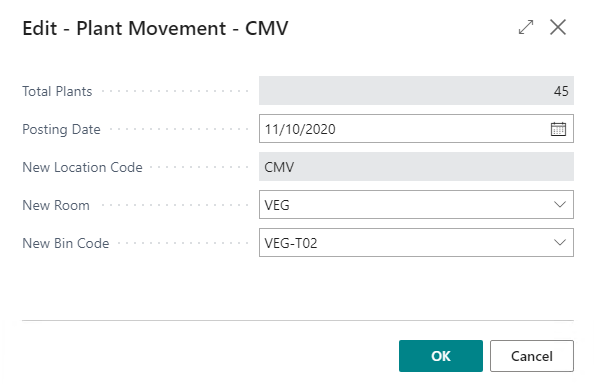
The dialogue that opens when moving Plants will have the following options:
| FIELD NAME | FUNCTION |
|---|---|
| Total Plants | Number of active Plants selected to be moved. |
| NOTE: If the batch is selected then the number of Plants will default with the Plant quantity or individual Plants can be selected. | |
| Posting Date | Date the Plant Movement is to be posted. |
| New Location Code | Defaults to the Location the Plants are currently in. |
| New Room | The new Grow Room to move the selected Plants to. |
| New Bin Code | The new Bin to move the selected Plants to. |
METRC Touchpoint: Triggers the plant movement in METRC.