Plant Phase Change
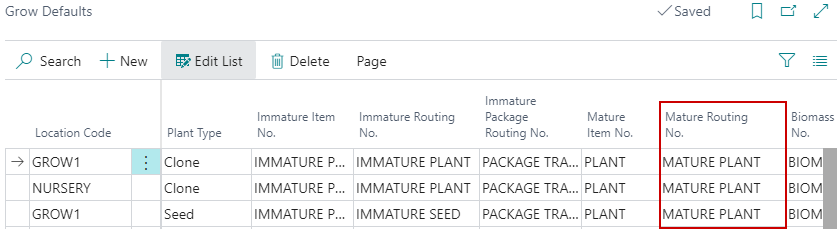
When a Phase Change  is run for Plants, system will look at the Mature Routing No. on the Grow Defaults page to determine the Phases.
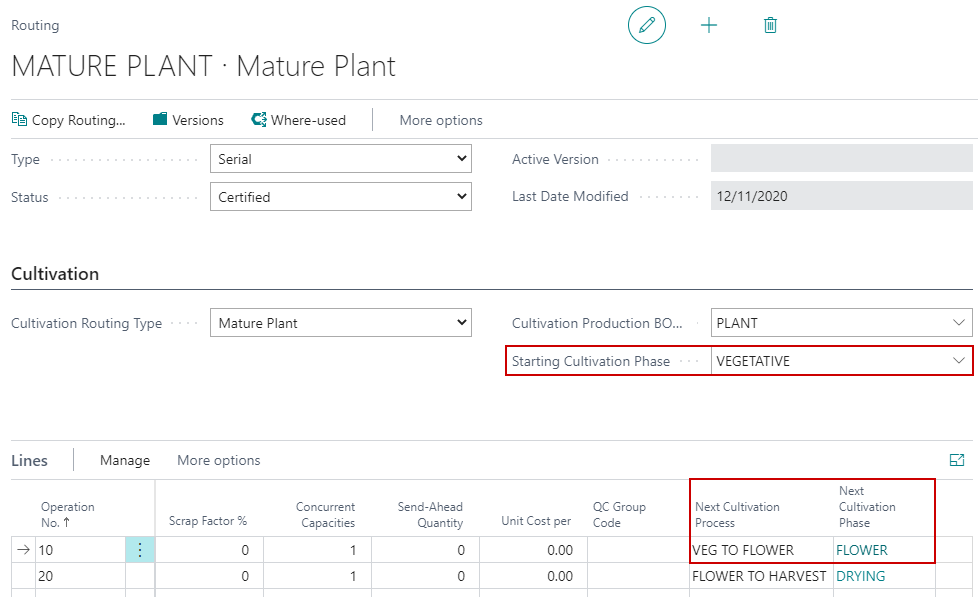
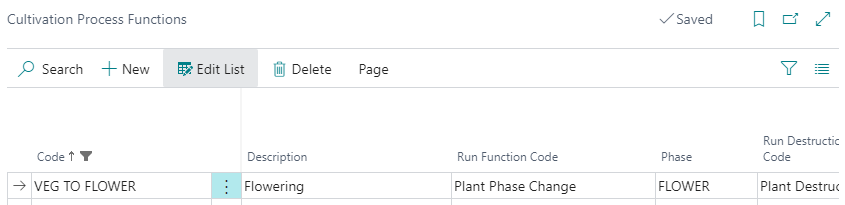
The next Phase is defined in the Cultivation Process Functions configuration and pulls in based on the Next Cultivation Process selected on the Routing. In this example, the Phase would be Movement from Vegetative to Flower.
Once it changes to a Plant, the system will use the Mature Plant Routing specified on the Grow Defaults page to determine the next Phase.
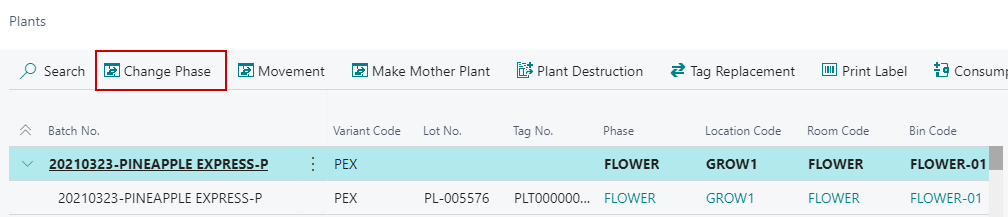
The Change Phase button on the Plants List will change the Phase. When the Phase is changed, the system will allow the end user to specify which Room the new Plants will be moved to.
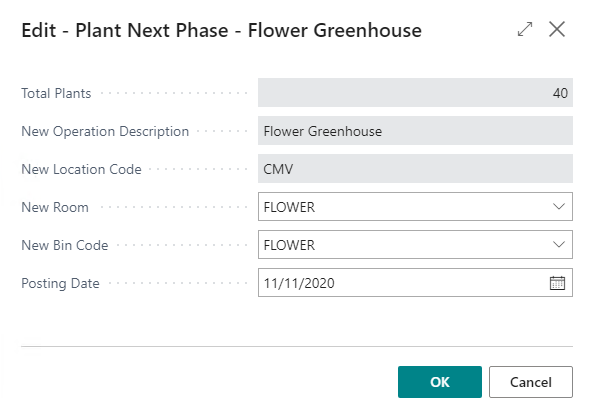
Users will receive a dialogue with the following fields when changing Phases from the Plants page:
| FIELD NAME | FUNCTION |
|---|---|
| Total Plants | Displays the number of selected active Plants for Phase Change. |
| New Operation Description | Displays the next Operation/Phase according to the Routing set against the Cultivation Order. |
| Posting Date | Date the Plant Phase Change is to be posted. |
| NOTE: Defaults based on the selection in Cannabis Cultivation Setup. | |
| New Location Code | Defaults based on the Location Code assigned to the Cultivation Order. |
| New Room | Selection of the new Grow Room the Plants are to be moved to on the Phase Change. |
| NOTE: Only Grow Rooms that are marked for Plant will be displayed. | |
| New Bin Code | Selection of the new Bin Code the Plants are to be moved to on the Phase Change. |
| NOTE: Will default if only 1 Bin exists against the Grow Room. |
Metrc Touchpoint: Triggers the growth phase change in Metrc. Example: Move to Veg, Move to Flower.