Create an Immature Plant Batch from a Mother Plant
To create an Immature Plant Batch from an active Mother plant(s), take the following steps:
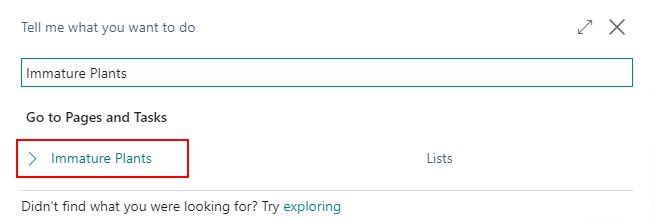
In the search, enter Immature Plants and select the related link.
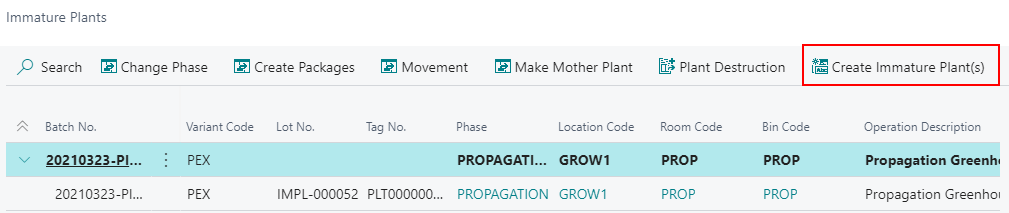
In the ribbon, select Create Immature Plant(s).
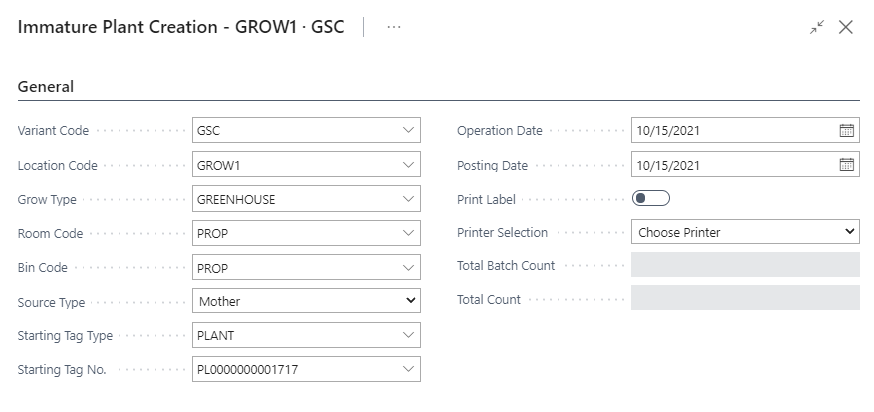
Populate the following fields:
a. Variant Code
b. Room
c. Bin Code
d. Source Type = Mother
e. Starting Tag Type (if required)
f. Starting Tag No. (if required)
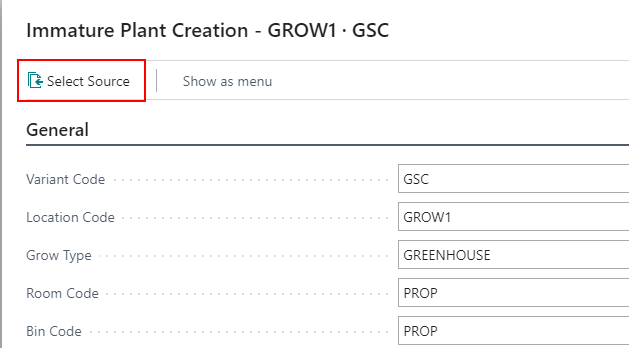
In the ribbon, select Select Source to pull from multiple Sources.
Note
You can also manually enter in the Lines FastTab.
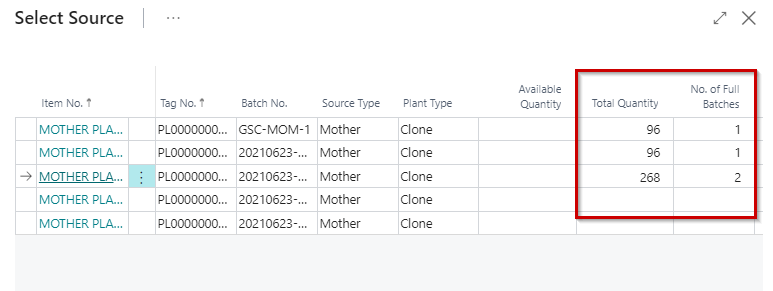
Either enter in the Total Quantity or the No. of Full Batches to take from each Source.
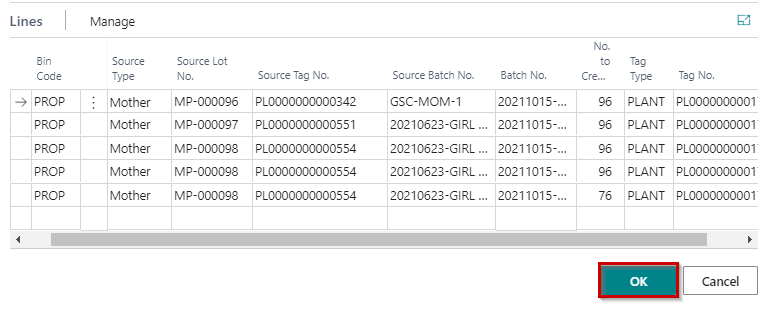
Click OK once complete.
The new Immature Plant Batches will be inserted into the Lines FastTab. Click OK to finalize and complete the Immature Plant Batches.