How To: Create and Map Reason Codes
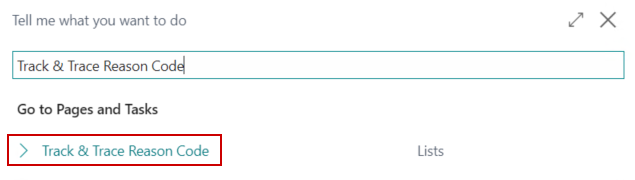
In the search, enter Track & Trace Reason Code and select the related link:
On the menu, select Download Reason Codes:

The Reason Codes will be downloaded out of Metrc.
In the search, enter Reason Codes and select the related link:

Click New and enter the following information:
a. Code
b. Description
c. Track & Trace Reason Code
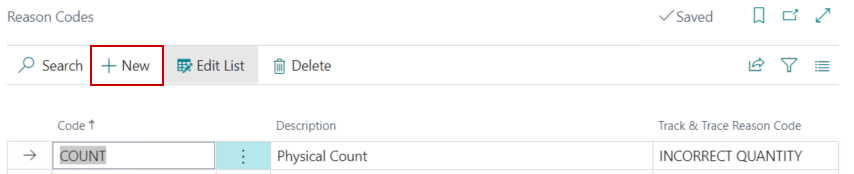
Continue creating new Reason Codes until all Reason Codes have been configured and mapped to the appropriate Track & Trace Reason Codes.