How To: Map SKU to an Existing METRC Product
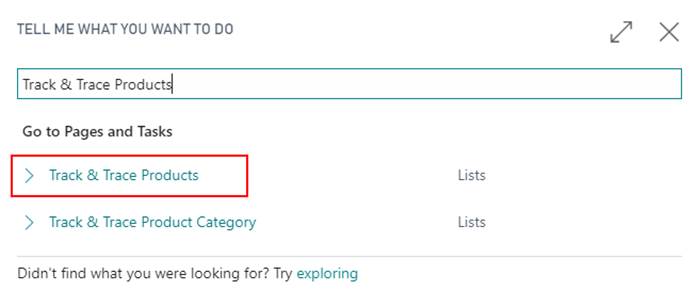
In the search, enter Track & Trace SKUs and select the related link:
Scroll to the far right where there will be two fields to be mapped, Item No. and Variant Code.
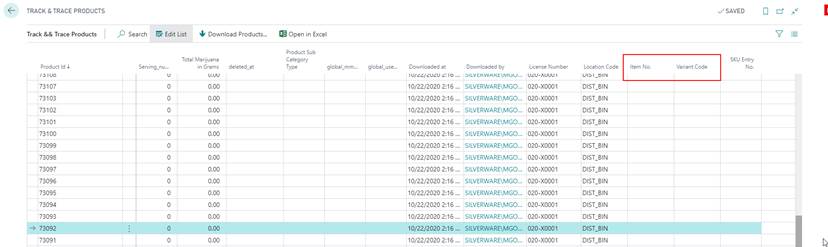
Select the Item No. and Variant Code the Product is relevant for. When this is populated, and if the Track & Trace SKU exists, theSKU Entry No. will be automatically populated.

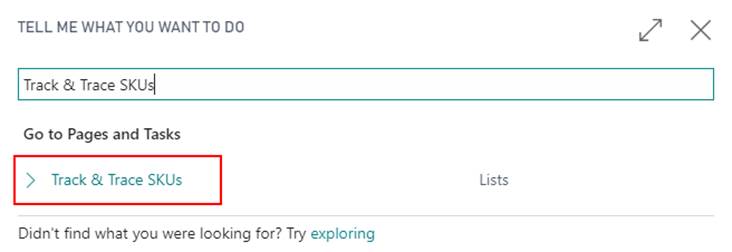
In the search, enter Track & Trace SKUs and select the related link.
In the list, find the SKU that was just linked, and the TT Synchronized checkbox should be checked and the Product Id assigned.
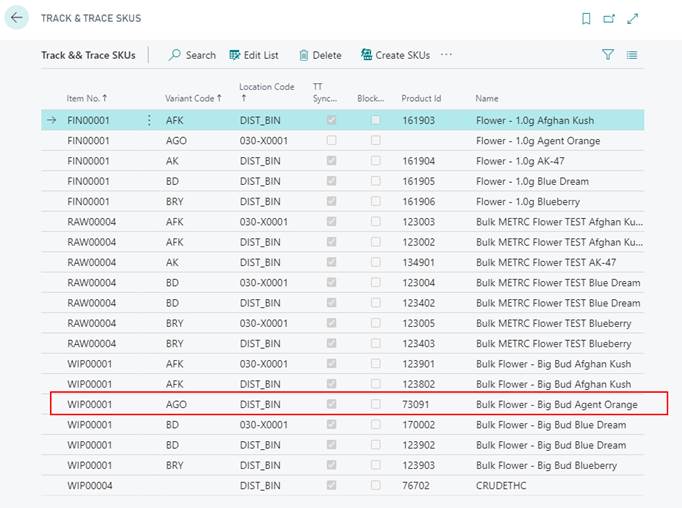
Note
If it is not checked, then this is due to the Product Name not matching the SKU Name. Follow the next steps to update the Product Name and synchronize the SKUs and Product Ids.
In the ribbon, select Update Track & Trace Product…
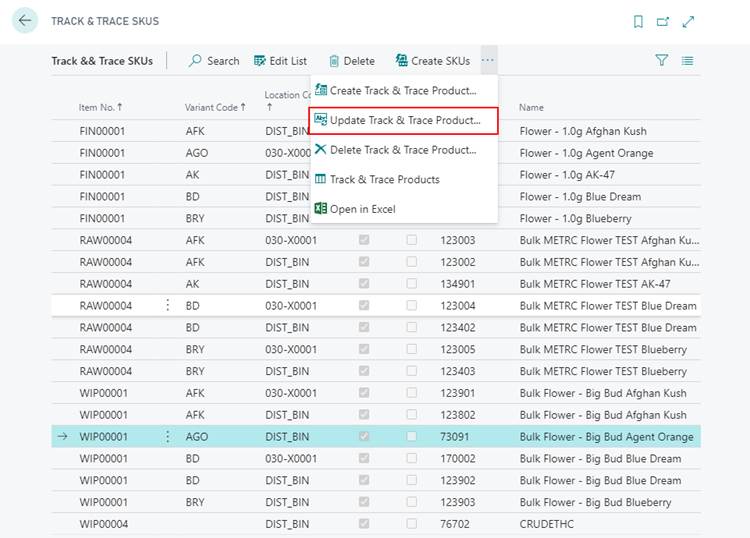
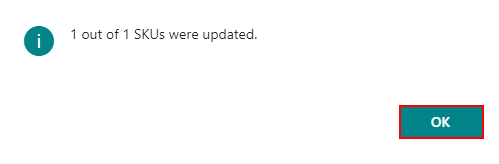
A confirmation message should be received saying the SKUs have been updated. ClickOK to proceed.