Track & Trace User Setup
Only Users with a Metrc log in can process transactions that integrate with Metrc. In order to tie a User log in to their Metrc log in Users need to generate an API Key in Metrc and put it in the Metrc User API Key field in User Setup:
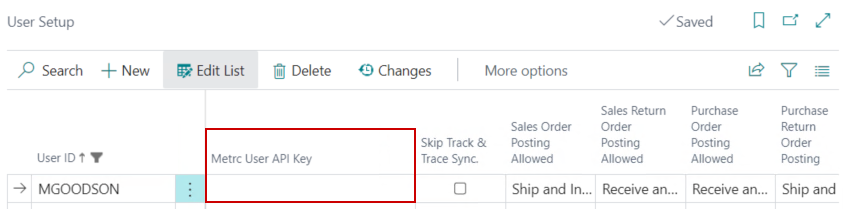
Once input, the Download License function will need to be run on the Track & Trace Licenses page in order to download the User’s License Permissions.
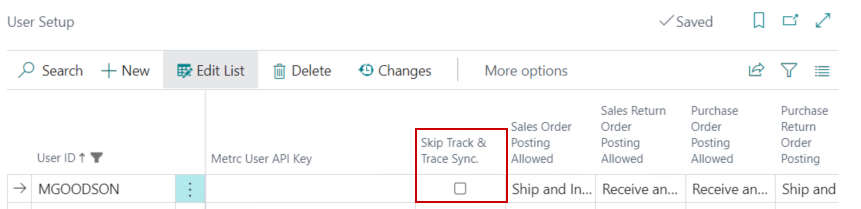
In the event that Metrc and Business Central get out of sync – the Metrc integration can be disabled on a User specific basis so corrections can be posted in Business Central. In order to do this, the Skip Track & Trace Sync. field can be temporarily toggled on: